SmallOLED
A small OLED that sits on the desk and shows what the PC is doing. A companion app on Windows or Linux feeds it live sensor readings, and when the PC sleeps it falls back to an animated clock, which is the only way plenty of people use it.
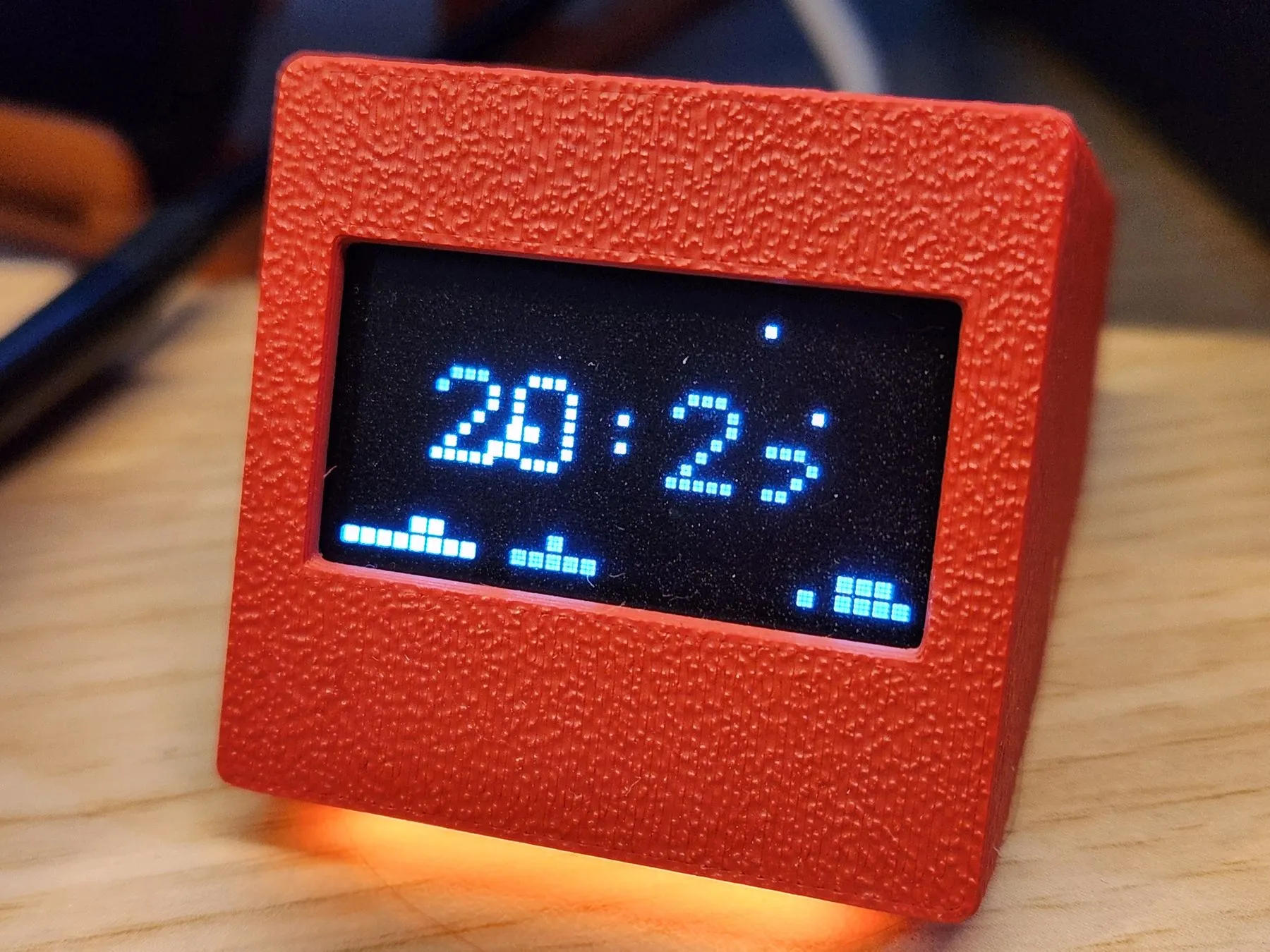
Idling on one of the clock faces, which is how a lot of these end up living.
What it does
Two modes, and which one you get depends on whether the PC is awake.
With the companion app running, the panel is a live readout: CPU and GPU load and temperature, memory, disk, up to twenty metrics picked from whatever LibreHardwareMonitor exposes. You choose which ones appear, give each a short label and drag it onto a preview of the screen to place it, in five or six rows, or in a double-height layout meant to be read from across the room.
When the PC sleeps it switches to an animated clock: Mario, Space Invaders, Arkanoid, Pac-Man, Snake, Tetris, Asteroids, a dino runner, or plain digits at two sizes, with a mode that cycles through the lot. A fair number of people never install the companion app at all and run the device only for this.
Setting it up
The browser flasher picks the right firmware for your panel, writes it over USB and then hands your WiFi to the device in the same tab, so there is no captive portal to join unless something goes wrong. It needs desktop Chrome or Edge, because Web Serial does not exist in Firefox, Safari or on phones.
After that the device answers at http://smalloled.local or at the address it
prints on the panel: clock style, time and date format, timezone with automatic
DST, layout, brightness, scheduled night dimming, and firmware updates over the
air.
The companion app
Windows gets a prebuilt executable with nothing to install; Linux runs the same app from source with Python. Either way it is a configuration window that mirrors the device’s own portal, with a live preview of the panel, a sensor picker showing current values, drag-and-drop layout and a system tray icon once it is running.
On Windows it reads sensors through LibreHardwareMonitor, which has to be running as administrator, otherwise temperatures, fans and GPU power come back empty. If you only want the clock, none of this is needed.
A note on the boards
Some cheap ESP32-C3 Super Mini boards have WiFi trouble that no firmware fix reaches, because it is in the antenna layout rather than in the code. Soldering two pins alongside the antenna helps some of them. Boards with a wider gap between the antenna and the surrounding components are the safer buy.
The same board family sometimes carries a bright RGB LED on GPIO 8. That pin is I2C SDA here, so the LED cannot be switched off in software. Desolder it or cut its data trace if it bothers you.