BambuHelper
A dedicated desk monitor for Bambu Lab printers. It talks MQTT to the printer and draws the whole job on a small colour panel, so you can stop opening the slicer to check on it.
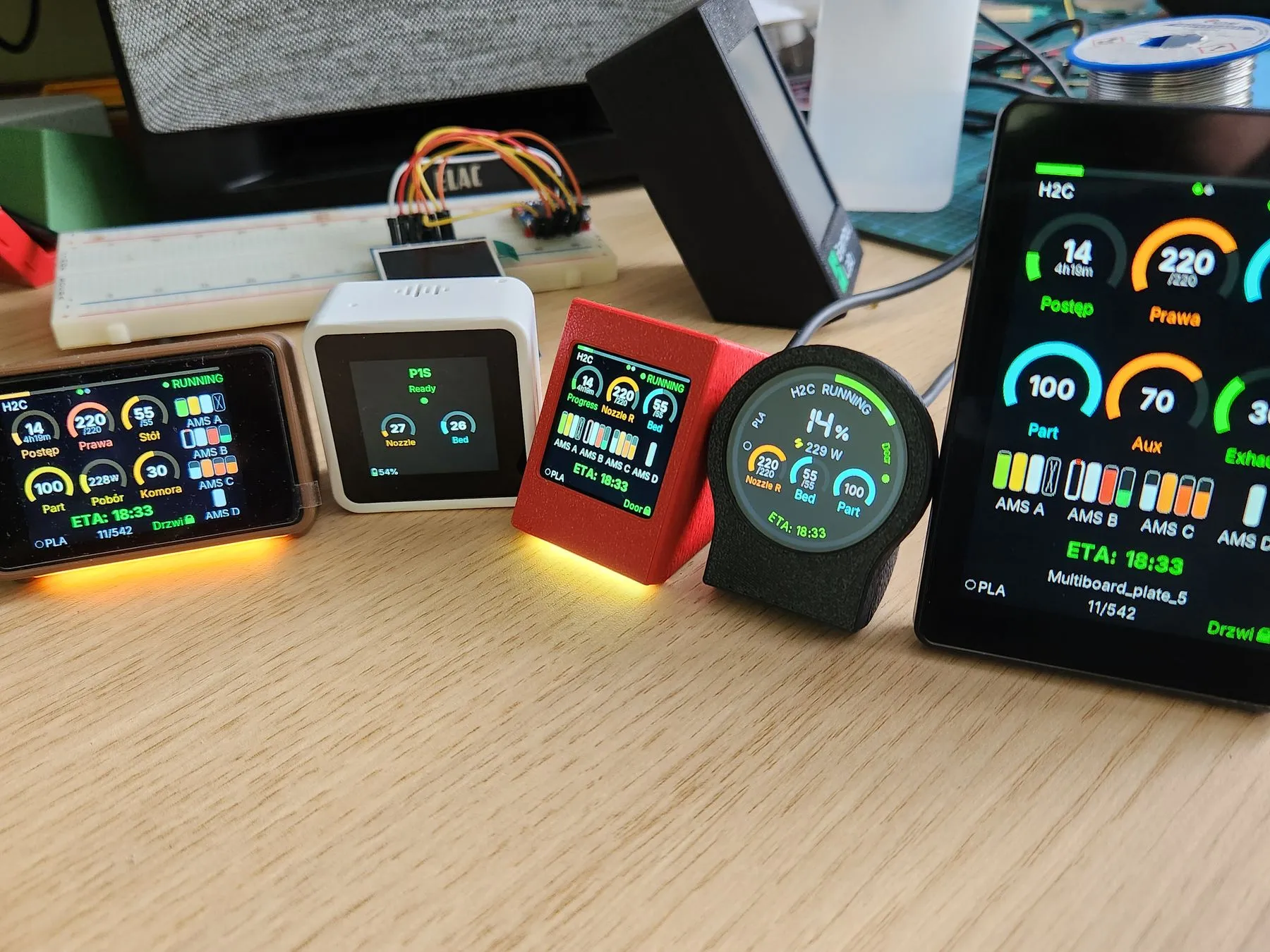
The same firmware and the same print, on five of the supported builds.
What it does
The device subscribes to the printer over MQTT and keeps a live dashboard on screen: nozzle and bed temperature as arc gauges, layer and time remaining, chamber fan and light state, the loaded AMS trays with their filament colours, and the drying cycle when one is running.
When there is no job it falls back to a clock. When something goes wrong it decodes the HMS error code and says what it means, with an optional buzzer so you hear it from the next room.
H2 series needs LAN-only mode plus Developer Mode for local MQTT. Cloud mode works on every printer.